Bluetooth App Development: A Step By Step Guide

But fear not! This comprehensive guide is your trusty map through the complex terrain of Bluetooth app creation.
Whether you're a startup founder with a groundbreaking idea or a project manager tasked with bringing Bluetooth functionality to an existing product, this step-by-step walkthrough will demystify the process. From the spark of initial concept to the thrill of final launch, we'll explore each crucial phase, providing you with a clear understanding of what to expect and how to tackle potential challenges.
So, take a deep breath and prepare to dive in. By the end of this guide, you'll have a solid grasp on the Bluetooth app development process, empowering you to transform your innovative ideas into reality. Let's begin this exciting journey of bringing your Bluetooth app to life!
Bluetooth App Development Explained

Phase 1: Ideation and Strategy
Laying a solid foundation is the most important step in any successful Bluetooth app development project. During this phase, your development team will translate your initial idea into a clear, actionable plan that will allow them to build a successful app that users love. Here’s what the Ideation and Strategy phase of your project will look like:
Share Your Vision
Start by explaining your concept in detail to your development team. You’ll want to outline the specific problem your Bluetooth app aims to solve and the unique value it will bring to users. If you’ve created any sketches, wireframes, or preliminary designs that convey your concept, now is the time to share them with your team - it will give them a concrete starting point and help everyone align on the project’s overarching goals.
Collaborative Workshops
Once you’ve shared your vision your Bluetooth app development team will organize a series of focused workshops and brainstorming sessions that will include you, the development team, designers, and subject matter experts. During these sessions you’ll:
- Identify User Personas
To help ensure your app meets the real world requirements of your users, you’ll create user personas, which will allow you to develop a clear picture of your target audience. This process will involve considering user demographics, behaviors, needs, pain points and more. Here's a step by step guide to user personas for software projects. - Create Empathy Maps
An empathy map is a visual tool that allow your team to better understand their target users, allowing them to “step into the user’s shoes” and gain deeper insight into their perspectives and motivations. During this exercise you’ll dive deeper into your users’ motivations, fears, and desires. Here's our step by step guide to creating empathy maps. - Map the User Journey
A user journey map is a visual representation that outlines each step a user takes when interacting with a product, service, or brand. It typically captures everything from the user’s initial awareness of the product through various touch points—such as onboarding, key interactions, and completion of tasks. This will allow you to pinpoint areas where friction might occur. Identifying these moments early helps you optimize the user experience later in the process. Here's our step by step guide to creating a user journey map. - Ideation and Feature Prioritization
During this exercise you and your team will brainstorm all the potential features and functionalities that your app might include. You’ll then, evaluate each idea based on user value, technical feasibility, and business goals, helping ensure you invest your resources wisely and focus on the highest-impact features first. Here's our step by step guide to ideation and roadmapping for software projects.

Define Your MVP
Once you’ve outlined the vision and brainstormed features, it’s time to determine your Minimum Viable Product (MVP). The MVP is a version of your app that contains only the core features necessary to solve the primary user problem and gather feedback. Initiall launching an MVP, rather than a full version of your app will allow you to:
- Collect real-world user insights early in the process
- Validate your core concept
- Identify areas for improvement before scaling up
Keeping your MVP focused ensures that development efforts remain cost-effective and user-driven. It also provides valuable data for refining and expanding your Bluetooth app in subsequent phases, ultimately setting you up for long-term success. Here's our guide to defining an MVP.
Phase 2: Design
With a solid strategy in place, it's time to focus on designing your Bluetooth app. During this phase, your designer will work through the following steps:
User Interface (UI) Design
UI Design refers to the visual layout and interactive elements of your app and encompasses everything that a user directly interacts with on the screen, from the color palette and typography to buttons, icons, and navigation menus. The ultimate goal of UI design is to create an intuitive, aesthetically pleasing experience that guides users through a product’s functionalities without confusion or unnecessary friction.
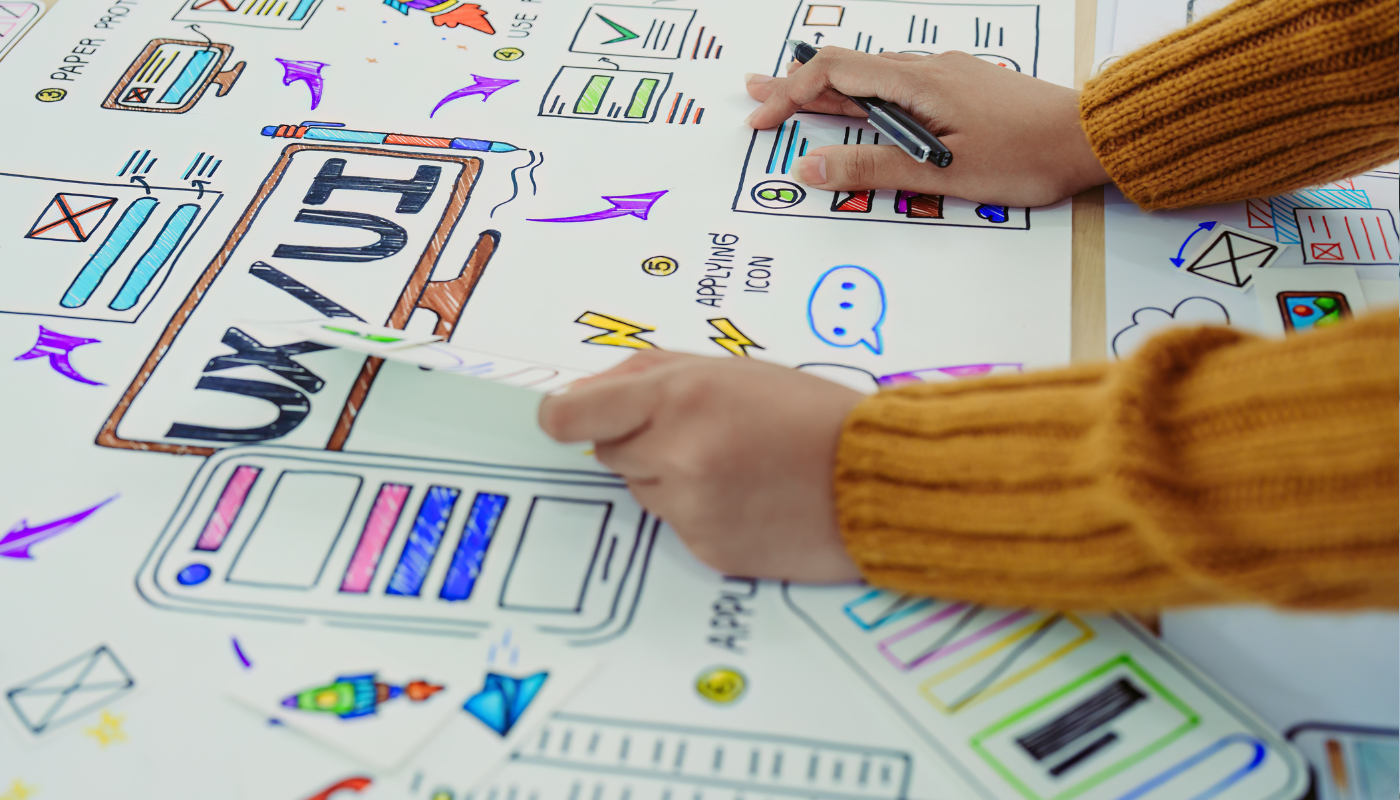
Based on your business objectives your designer will create wireframes or sketches that convey what your app’s UI will look like. They’ll work closely with you to ensure they are maintaining brand consistency, and will optimize interactions based on user testing and usability best practices.
User Experience (UX) Design
UX Design is the practice of shaping the users experience with your product. This goes beyond aesthetics and focuses on creating an intuitive, engaging, and efficient journey for the user. A solid UX design ensures that every element—whether it’s navigation, information architecture, or content hierarchy—works harmoniously to help users reach their goals without confusion or frustration.
During this phase your designer will create a seamless user experience that makes Bluetooth connectivity feel natural and effortless by focusing on device discovery, pairing processes, and connection management. Check out this article to learn more about UX and Bluetooth app development!
Prototyping + Testing
Based on everything created this far, your Bluetooth app development team will build an interactive prototype. This will allow your team to test the concept with users and gather early feedback, helping to identify potential issues before moving into development.
Don't miss this article to learn more about the role of design in Bluetooth app development.

Phase 3: Development
The development phase is where your Bluetooth app truly comes to life. This critical stage transforms your designs and plans into functional code, bringing your vision closer to reality. At Yeti, we approach this phase with a combination of technical expertise and creative problem-solving to ensure your app not only works but excels in its Bluetooth capabilities.
Choose Your Development Platform
The first crucial decision in the development phase is selecting your target platform(s). This choice will significantly impact your development process, tools, and potential user base.
- iOS Development: If you're targeting Apple users, you'll work with Core Bluetooth framework and Xcode. iOS offers a consistent ecosystem but requires adherence to strict guidelines.
- Android Development: For Android, you'll use the Bluetooth Low Energy (BLE) API and Android Studio. Android provides more flexibility but requires consideration of a wider range of devices.
- Cross-Platform Development: Frameworks like React Native or Flutter allow you to develop for both platforms simultaneously, potentially saving time and resources.
Consider your target audience, budget, and timeline when making this decision. At Yeti, we can guide you through the pros and cons of each option based on your specific project needs.
Set Up the Development Environment
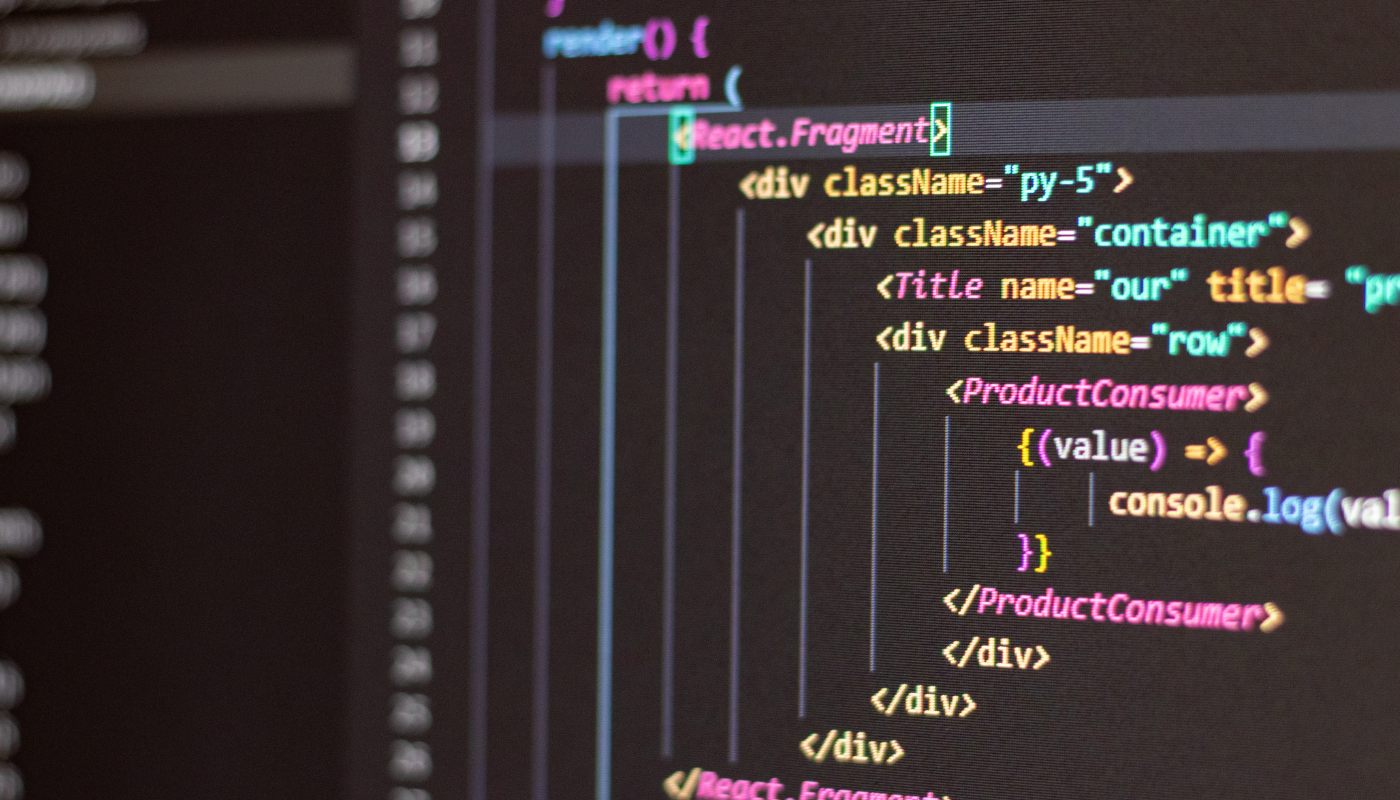
Once you've chosen your platform(s), it's time for your team to set up a robust development environment. This step is crucial for efficient and effective Bluetooth app development.
- Install the latest version of your chosen Integrated Development Environment (IDE) (e.g., Xcode for iOS, Android Studio for Android).
- Set up the necessary Software Development Kits (SDKs) and Bluetooth-specific tools.
- Configure emulators and simulators for testing Bluetooth functionality in various device environments.
- Establish version control systems (e.g., Git) to manage your codebase effectively.
Our team at Yeti ensures that all development environments are optimized for Bluetooth app development, including any specialized tools or plugins that can enhance productivity.
Implement Core Functionality
With the environment set up, your development team will begin coding the core features of your app. For the Bluetooth app development process, it’s important that your team targets the following:
- Bluetooth Device Scanning and Discovery: Your team will implement efficient algorithms for scanning nearby Bluetooth devices and filtering relevant ones based on your app's requirements.
- Pairing and Connection Management: Your team will develop robust protocols for initiating, maintaining, and gracefully handling Bluetooth connections.
- Data Transfer Protocols: To ensure your app is safe for users, developers will create secure and efficient methods for transmitting data between your app and connected Bluetooth devices.
- Background Operation Handling: You’ll want to ensure your app can manage Bluetooth operations even when it's not in the foreground, allowing it to provide a seamless user experience. The development team will work to ensure your Bluetooth app is working flawlessly.
Integrate Bluetooth Features
This step involves implementing the specific Bluetooth functionalities that make your app unique. Depending on your app's purpose, this could include:
- File Transfer: Includes developing secure and fast protocols for transferring files between devices.
- Audio Streaming: If your product includes streaming audio, your team will implement low-latency audio streaming.
- Device Control: Your app will act as the control panel for your Bluetooth enabled device, so your development team will ensure it includes intuitive interfaces that will allow users to easily utilize your product.
- Data Synchronization: For many products, such as fitness devices, it’s crucial that your app and device are able to seamlessly share data. Your team will create Develop systems that ensure data is transferring between app and device in real time.
Learn more about how data driven insights can bring your Bluetooth app to the next level.
Agile Development and Iteration
At Yeti, we utilize an agile methodology throughout the Bluetooth app development process. Agile allows for:
- Regular progress reviews and demonstrations
- Flexibility to adapt to changing requirements or new insights
- Continuous integration and testing to catch issues early
- Opportunities for stakeholder feedback and course correction
During a project, we work in two week cycles called sprints, which consist of designing, developing and testing specific deliverables. During our bi-weekley sprint wrap up meeting our clients have the opportunity to review and evaluate our work before we move on to the next deliverable. This is mutually beneficial as consistent feedback allows us to make adjustments sooner rather than later, meaning that changes aren’t nearly as costly or time consuming as they would be otherwise.
To ensure we’re always on the same page we invite out clients to a few other regualr meetings including stakeholder check-ins and vision alignment meetings, in which we’ll assess any completed work by comparing it to the benchmarks established in the project roadmap. During these meetings we can adjust the work we’re doing based on your strategic goals.
Throughout the design and development process we’ll be conducting user testing with real users. By asking users to validate our assumptions about content, task flows and interactions, we help ensure that your app is being received and used as we’ve intended.

Phase 4: Testing
The testing phase is a critical juncture in the Bluetooth app development process, where we rigorously evaluate your application to ensure it meets the highest standards of functionality, reliability, and user experience. It’s important to know that comprehensive testing is not just a step in the process, but a fundamental pillar that supports the success of your Bluetooth app.
Functional Testing
Functional testing is the backbone of our quality assurance process. During this stage, your team should meticulously verify that every feature of your app works as intended, with a particular emphasis on Bluetooth-specific functionalities. The functional testing process is designed to uncover any inconsistencies or bugs, ensuring that your Bluetooth app provides a seamless and reliable experience for your users.
The following are a few examples of what functional testing for your product will include
- Bluetooth Connection Testing: Your team should thoroughly test the app's ability to scan, discover, pair, and maintain connections with various Bluetooth devices.
- Data Transfer Verification: Your team should ensure that all data transfer protocols are functioning correctly, checking for accuracy, completeness, and security of transmitted information.
- Feature-by-Feature Analysis: Each feature of your app will undergo rigorous testing to confirm it operates as specified in the design phase.
- Error Handling: Your team should simulate various error scenarios to verify that your app gracefully handles unexpected situations, such as sudden disconnections or incompatible devices.
Compatibility Testing
Given the diverse ecosystem of devices and Bluetooth versions in the market, compatibility testing is crucial for ensuring your app's broad accessibility and functionality. This comprehensive approach to compatibility testing helps minimize the risk of user frustration due to device-specific issues, broadening your app's potential user base.
- Device Diversity: Your app will be tested on a wide range of devices, including various smartphone models, tablets, and other Bluetooth-enabled gadgets relevant to your app's purpose.
- Bluetooth Version Compatibility: Testing should cover multiple Bluetooth versions, from older standards to the latest Bluetooth 5.0 and beyond, ensuring your app works across different specifications.
- Operating System Variations: For cross-platform apps, your team should conduct thorough testing on different versions of iOS and Android to ensure consistent performance.
- Screen Size and Resolution Testing: It’s important to verify that your app's UI adapts correctly to various screen sizes and resolutions, maintaining both functionality and aesthetic appeal.

Performance Testing
Performance testing is crucial for Bluetooth apps, where efficient operation can significantly impact user satisfaction and battery life.
- Connection Stability: We rigorously test the stability of Bluetooth connections under various conditions, including low signal strength and interference from other devices.
- Data Transfer Speeds: Our team measures and optimizes data transfer rates to ensure your app performs efficiently, especially for applications requiring high-bandwidth operations like audio streaming or large file transfers.
- Battery Consumption: We analyze your app's energy usage during Bluetooth operations, optimizing where necessary to minimize battery drain.
- Response Time: We evaluate the app's responsiveness during Bluetooth interactions, ensuring smooth and timely user experiences.
- Stress Testing: By simulating high-load scenarios, we verify that your app remains stable and functional under pressure.
Our performance testing aims to deliver an app that not only works but excels in real-world conditions, providing a smooth and efficient user experience.
User Testing
While technical testing is crucial, the ultimate test of your app's success is how well it serves its users. Our user testing phase brings in real people to interact with your app in realistic scenarios.
- Usability Studies: We conduct structured sessions where users perform specific tasks, allowing us to observe and analyze their interactions with the app's Bluetooth features.
- Feedback Collection: Through surveys, interviews, and focus groups, we gather qualitative feedback on the app's user interface, ease of use, and overall experience.
- Beta Testing: We often implement a beta testing phase, releasing the app to a limited group of users for extended real-world testing.
- Accessibility Testing: We ensure that your app is usable by people with various abilities, adhering to accessibility guidelines and best practices.
User testing provides invaluable insights into how your app performs in the hands of its intended audience, often revealing opportunities for improvement that technical testing alone might miss.
Continuous and Iterative Testing
At Yeti, we view testing not as a single phase but as an ongoing process integrated throughout the development lifecycle. Our agile approach includes:
- Automated Testing: We implement automated test suites for repetitive tasks, allowing for frequent and consistent testing throughout development.
- Regression Testing: After each significant change or update, we perform regression tests to ensure new features or fixes haven't negatively impacted existing functionality.
- Iterative Refinement: Based on test results, we work closely with our development team to quickly address issues and implement improvements.
By the end of the testing phase, your Bluetooth app will have undergone a comprehensive evaluation, ensuring it's not just functional, but polished, reliable, and ready to provide an exceptional user experience. This thorough approach to testing sets the stage for a successful launch and positive user adoption of your Bluetooth application.
Want to learn even more? Download our comprehensive, free Bluetooth app development handbook!
Phase 5: Launch
The launch phase is the exciting culmination of your Bluetooth app development journey. It's the moment when your vision finally reaches its intended audience. At Yeti, we understand that a successful launch is more than just making your app available; it's about creating a strong foundation for your app's future success. Let's dive into the key components of this critical phase.
App Store Submission
Preparing your Bluetooth app for submission to app stores is a meticulous process that requires attention to detail and adherence to platform-specific guidelines. Your development team should work through the following to ensure your app is successfully launched in the app store:
- Thoroughly reviewing app store guidelines to ensure compliance
- Ensuring all technical aspects are in order, including proper code signing, provisioning profiles, and any required documentation for Bluetooth usage.
- Bluetooth app development teams can utilize TestFlight (for iOS) and Google Play's beta testing features to conduct final rounds of testing with a wider audience before the official launch.
- Managing the submission process by promptly addressing any feedback or requests from the app store review teams to expedite approval.
Post-Launch Support
The launch is just the beginning. Continuous support and improvement are key to your app's long-term success. Be sure to talk to your Bluetooth app development team about the following:
- User Feedback Monitoring: Can they set up systems to actively collect and analyze user feedback from app store reviews, social media, and direct communications?
- Rapid Response to Issues: Are they able to quickly address any bugs or issues that may arise post-launch, especially those related to Bluetooth functionality?
- Performance Analytics: Ask your team to implement analytics tools that track user engagement, Bluetooth connection metrics, and other key performance indicators.
Developing a Bluetooth app requires careful planning, skilled execution, and attention to detail. By following this step-by-step guide and working closely with your Bluetooth app development team, you can create a successful Bluetooth app that solves real-world problems and provides value to your users. Remember that app development is an iterative process, and be prepared to refine and improve your app based on user feedback and changing technologies.